Assessments
Generate assessment snapshots: choose a grade level and its belt(s), an optional reference to print on top of the answers pages (you can insert the grade level as a superscript), and an optional highlight color and opacity for that reference. Use Split subjects to separate subjects, and pick each belt's source — either Provided by automath or your Library.
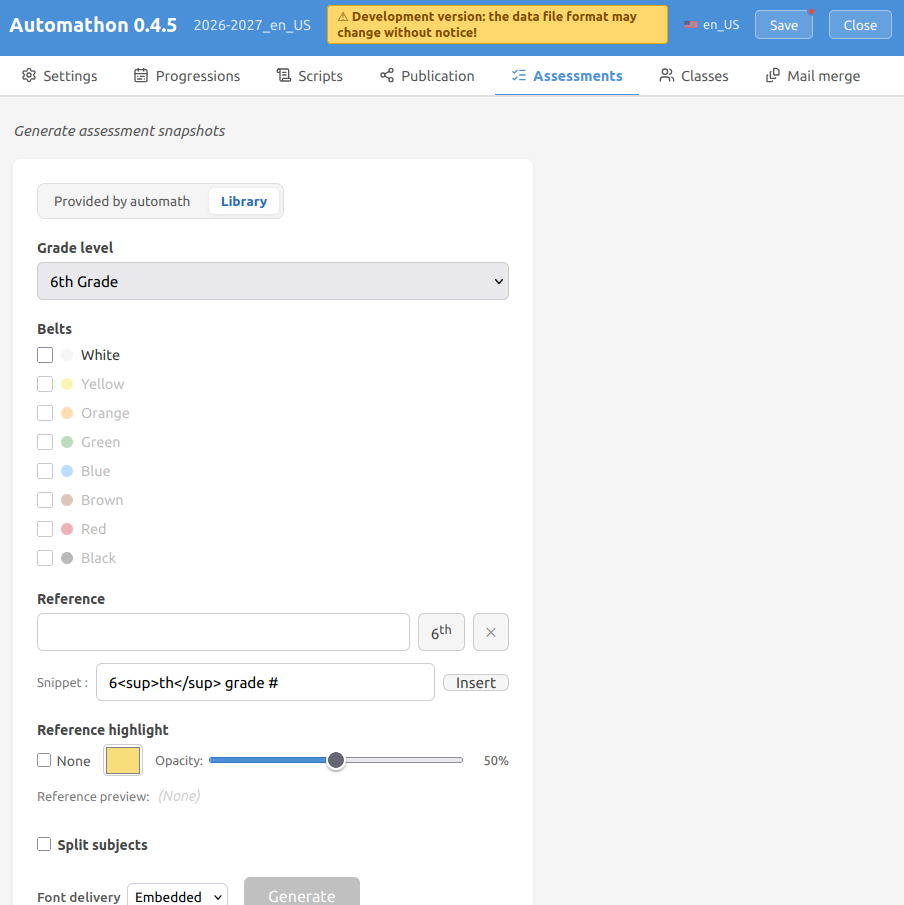
A click on Generate produces snapshots (.atmxs files) ready for rendering:
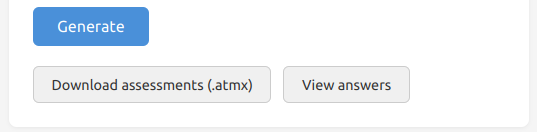
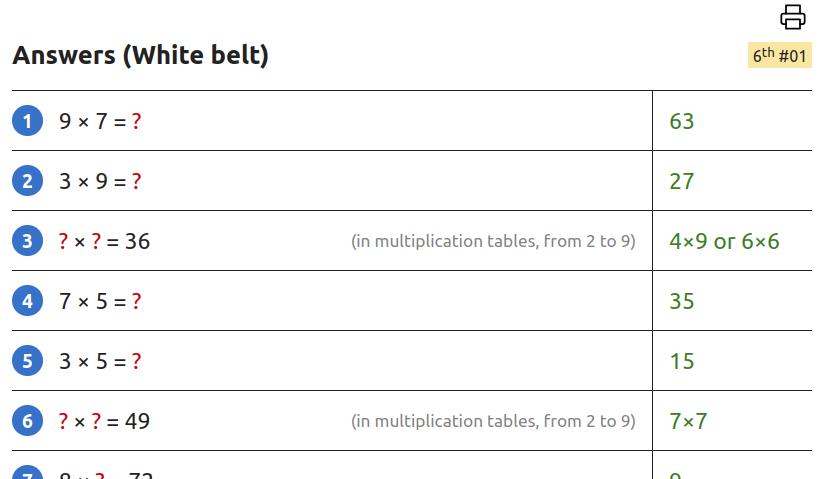
as well as the matching answers pages:
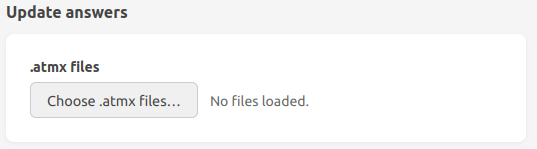
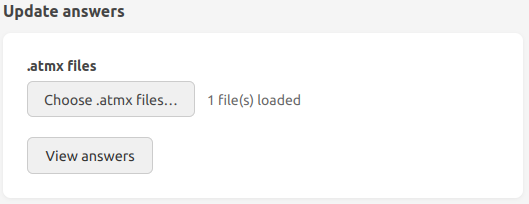
The Update answers section regenerates the answers from modified snapshots files (.atmxs):